
Set up a new wallet and understand how recovery information relates to your accounts.
View steps →A multi-chain wallet, blockchain network and Web3 knowledge hub from imtoken
Manage Multi-chain Assets and Connect to Web3 with Clarity
imtoken brings everyday wallet tasks and blockchain knowledge into one practical path: multi-chain assets, network selection, sending and receiving, DApp connections, signatures, approvals, transaction verification, and wallet security. The site also explains public chains, EVM environments, Layer 2, gas, confirmations, Ethereum PoS, and validators so users can make informed choices before acting.
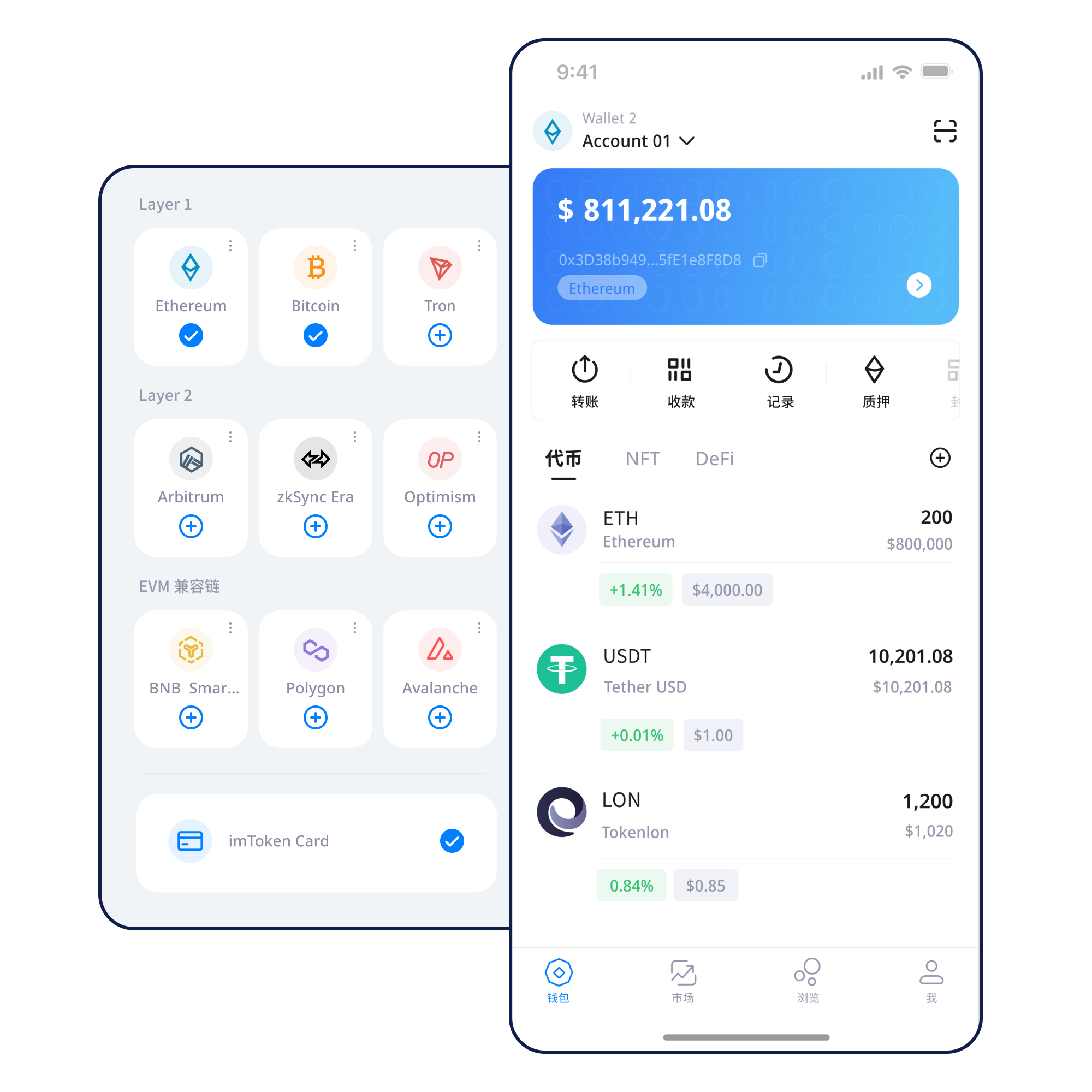
Quick start
Choose the task you actually need to complete
You do not need to memorize every blockchain term first. Start with your goal, follow the relevant guide, and verify the address, network, amount, and request details before confirming.
Keep the seed phrase offline, readable, recoverable, and never shared with another person or webpage.
View steps →Copy and verify the receiving address, and make sure the sender is using the same network.
View steps →Review the recipient, network, amount, and gas before submitting an on-chain transaction.
View steps →Verify the domain, account request, signature, and approval scope, then disconnect sessions you no longer need.
View steps →Wallet capabilities
A practical route through assets, transactions, and connections
Different wallet tasks need different context. The site avoids forcing every feature into an identical pattern.
Multi-chain assets
Managing assets across networks means distinguishing the network, address, and token contract. Assets with similar names may exist on different chains, so verify both the destination network and receiving address before sending.
Understand multi-chain networks →Send & receive
Verify address and network when receiving. When sending, review the amount, gas, and recipient, then use the transaction hash to confirm on-chain status.
View the transfer workflow →imtoken App
Use the mobile wallet to review assets, manage networks, inspect activity, and connect to DApps when needed.
Explore the App →imtoken Web & wallet security
A browser connection does not mean every later request should be approved. Review each signature and approval independently, and never enter a seed phrase or private key into a webpage.
Web usage → · Security center →Blockchain networks
From network differences to gas and confirmations
Selecting a network is more than switching a label. It determines chain state, gas assets, confirmations, and contract context.
Multi-chain networks
Separate chains maintain independent state and confirmation systems. Similar address formats do not mean the networks are interchangeable.
Read morePublic chain basics
Nodes propagate transactions, blocks record state changes, and consensus allows the network to agree on valid state.
Read more
EVM networks
EVM networks often share contract and address conventions, while chain IDs, gas assets, and token contracts remain network-specific.
Read more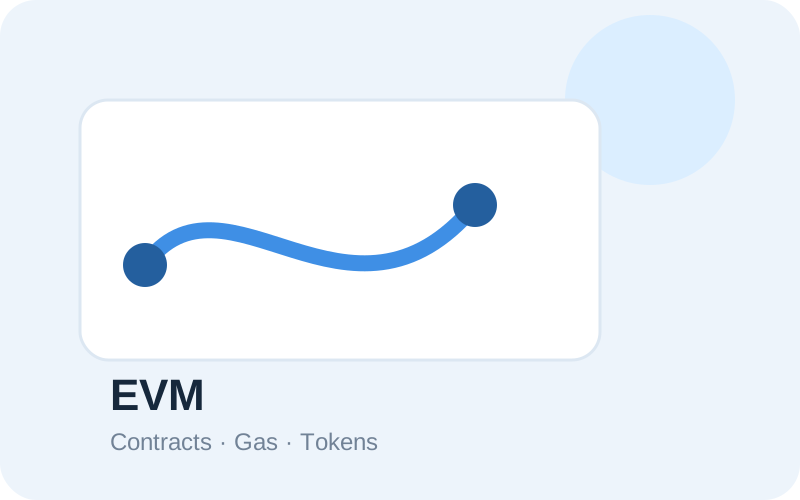
Layer 2
Layer 2 networks rely on a settlement or data relationship with a base layer. Cross-layer transfers may involve bridges and waiting periods.
Read more
Gas & confirmations
Gas represents resources used for execution, while confirmation time depends on network conditions. Use a transaction hash to verify the actual on-chain state.
Read moreWallet journey
Six steps for a repeatable operating habit
Each step has a concrete verification goal, not just a completion state.
01
Get imtoken
Use the consistent download entry and avoid installation links from unknown sources.
02
Create or import a wallet
Understand how seed phrases and private keys relate to the accounts you control.
03
Back up offline
Keep the seed phrase offline. Do not screenshot it, send it to anyone, or enter it into a webpage.
04
Select and verify the network
Confirm the current network, gas asset, and destination network match the task.
05
Receive or send assets
Check the address and network when receiving; review address, network, amount, and fee before sending.
06
Review transactions and approvals
Use transaction hashes for verification and periodically remove connections or approvals you no longer need.
Web3 & DApps
A connection is only the beginning; review every request separately
A wallet connection may let a DApp identify an account, but signatures, transactions, and approvals are separate actions that can affect assets or permissions.
Connecting a wallet does not mean every signature request should be approved. Review each signature and approval on its own.
Visit the DApp
Verify the domain
Start the connection
Review account requests
Inspect signatures or approvals
Complete the action
Disconnect unused sessions
Security
Turn safety into a repeatable pre-action routine
Wallet security is more than protecting a seed phrase. Real risks include phishing domains, fake support, malicious signatures, excessive approvals, clipboard substitution, public networks, and remote-control scams. imtoken focuses on steps users can actually repeat: verify the request source, review the network and address, understand what a signature or approval changes, and confirm only when the action is clear. A wallet generally cannot reverse a confirmed on-chain transaction by itself, and third-party DApps or smart contracts may carry their own risks.
Back up the seed phrase offline
Never disclose private keys
Verify network and address
Review signature requests
Manage DApp approvals
Academy
What Should You Understand Before Using a Digital Wallet?
Begin with addresses, seed phrases, private keys, networks, and gas. Then connect those concepts with transaction hashes, DApps, and approvals so each field has meaning when it appears in a real transaction.
Ethereum & PoS
Understand validators and network mechanics before deciding whether to participate
Ethereum Staking Basics
Learn about Ethereum PoS, validator duties, reward sources, network state, withdrawals, and exits. Staking does not guarantee returns, and rewards can change.
Learn about Ethereum staking →Before participating
Validators can face network penalties, exits may involve waiting time, smart contracts and third-party services can introduce technical or operational risk, and digital asset prices can fluctuate.
Learn about PoS & validators →Updates
Product and security information
Recent Update · Product
Wallet learning path refined
The sequence now connects creation, backup, network verification, and transaction checks more clearly.
Security Notice
Review signatures and approvals separately
After connecting a wallet, treat every signature, transaction, and token approval as a separate request.
Network Notice
Verify the destination chain before moving assets
Similar address formats do not imply the same network. Check the asset network and intended destination together.
Service Notice
One consistent download entry
All download buttons use the same download.html path for a predictable official entry point.
FAQ
Common questions
It helps users manage multi-chain digital assets, review on-chain activity, and connect with Web3 applications. Users should still understand networks, addresses, gas, signatures, and approvals before acting.
A private key controls a specific account, while a seed phrase can commonly derive a set of accounts. Both are highly sensitive and should remain under the user’s control.
The same asset can exist on multiple networks and addresses can look similar. Verify the destination network, address, and asset type together before sending.
Gas measures the computational resources needed for an on-chain action. Fees vary with network conditions, transaction complexity, and fee parameters.
A transaction hash identifies a specific on-chain transaction and can be used with the matching network explorer to inspect status, block height, confirmations, and execution results.
Check network congestion and fee settings, then inspect the transaction hash on-chain. Avoid repeatedly sending duplicate transactions simply because confirmation is taking time.
Not necessarily. A connection may only expose an account for interaction. Signatures, transactions, and token approvals are separate requests and should be reviewed separately.
A message signature proves that an account approved a piece of data. It may not directly move assets, but malicious signatures can still be used for authentication or permissions.
Start with one clear first step
Verify the source before downloading, complete an offline backup after wallet creation, and review each transfer, signature, or approval before confirming.